
How can we help you?
Download the free Mi Banco Mobile app today.




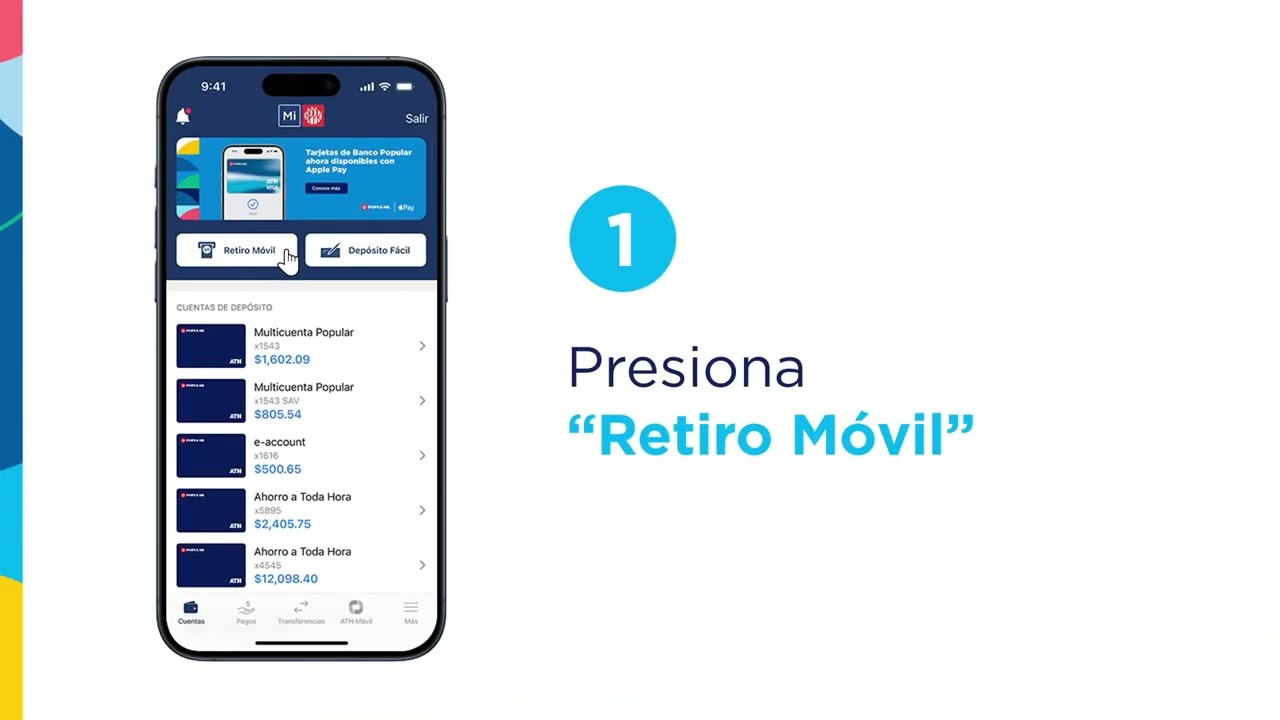
Use Mobile Withdrawal in Mi BancoSM Mobile, and withdraw money without a card.
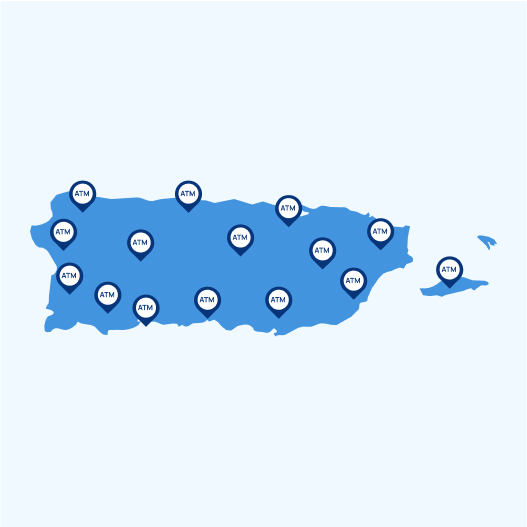
Withdraw cash at any of our automatic teller machines (ATMs) without using your Popular debit card. With Retiro Móvil1, you can also send cash to anyone, even if the recipient does not have a bank account. You only need to download the Mi Banco Mobile app and visit any of our ATMs. It’s that simple!
The daily limit on transactions you make through Retiro Móvil is $200. Learn more.
Withdraw cash with your cellphone, it’s easy:
Retiro Móvil is a free service that allows you to schedule withdrawal requests from your Android smartphone or tablet, or from your iOS devices (iPhone®, iPad®, iPod Touch®), to be cashed out at participating automatic teller machines (ATMs). Clients may set up withdrawal requests for themselves, or schedule them for others by entering the phone number they wish to send it to or selecting it from their device’s contact list.
Clients
Clients who are registered in the Mi Banco Mobile app and have an individual and/or commercial (FlexiCuenta de Negocios® & B-Smart®) deposit account with an ATH® card or International ATH® card may use Retiro Móvil to send and receive withdrawal requests. Currently, credit cards may not be used to schedule withdrawal requests through Retiro Móvil.
Non-clients
Non-clients (those who do not have the Mi Banco Mobile app or the required deposit account) may access the service through a registration process that allows them to receive only the withdrawal requests sent to them by clients.
No. You may only send withdrawal requests with an active ATH® card or International ATH® card. You may only schedule withdrawal requests after you activate your card(s).
Service offered by Banco Popular de Puerto Rico. Member FDIC.
Retiro Móvil is a free service for customers who have an individual deposit account and/or business account (FlexiCuenta de Negocios® y B-Smart®) of Banco Popular and are registered in the Mi Banco Mobile application. To send cash you must have an active Banco Popular debit card. Non clients will be able to collect the cash at one of Banco Popular’s ATMs once they download the Mi Banco Mobile application and select Retiro Móvil. This service is available at all of Banco Popular ATMs. Withdrawals are subject to the availability of funds of your account. Refer to the Funds Availability Policy at any of our branches. Customers can also refer to their Deposit Accounts Contract. Mi Banco Mobile is a service offered by Banco Popular de Puerto Rico and is free of charge. You should check with your mobile service provider if charges for data transmission apply.